
Blog
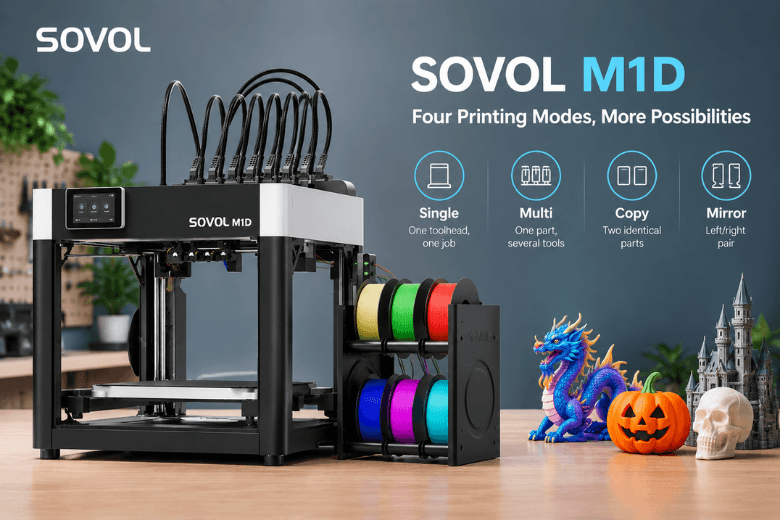
Sovol M1D Copy, Mirror, Multi and Single Modes Explained
Discover the four printing modes of the Sovol M1D IDEX 3D printer: Single, Multi, Copy and Mirror. Learn how each mode works, how the available build volume changes, and which option is best for your projects. From multicolour and multi-material printing to producing identical parts or mirrored pairs, this practical guide explains how to choose the right mode, improve workflow efficiency and prepare your printer for reliable results.
Read moreabout Sovol M1D Copy, Mirror, Multi and Single Modes Explained
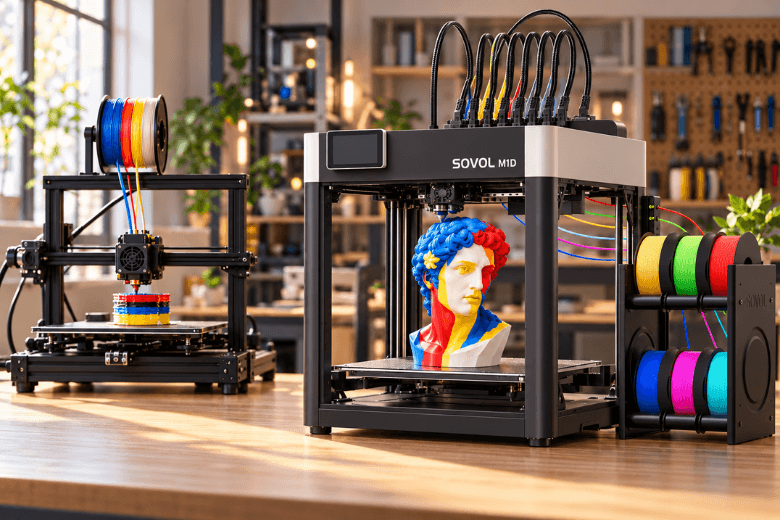
7 Colors, 7 Materials, Less Waste: How the Sovol M1D Changes Multi-Material Printing
Is a seven-toolhead 3D printer worth choosing over a traditional AMS system? Explore how the Sovol M1D combines IDEX technology with six swappable toolheads to reduce colour-change purging and support multicolour, multi-material printing. This guide examines filament waste, manufacturer claims, build-volume limitations, calibration requirements and operating costs to help makerspaces decide whether a tool-changing 3D printer is the right investment.
Read moreabout 7 Colors, 7 Materials, Less Waste: How the Sovol M1D Changes Multi-Material Printing

15 Best Halloween 3D Printing Ideas for 2026
Looking for creative Halloween 3D printing ideas? Explore 15 spooky projects, including LED pumpkin lanterns, articulated skeletons, glow-in-the-dark ghosts, costume masks, and outdoor decorations. This practical guide covers recommended filaments, estimated print times, build-volume considerations, and essential safety tips to help makers and 3D printing enthusiasts plan their Halloween projects.
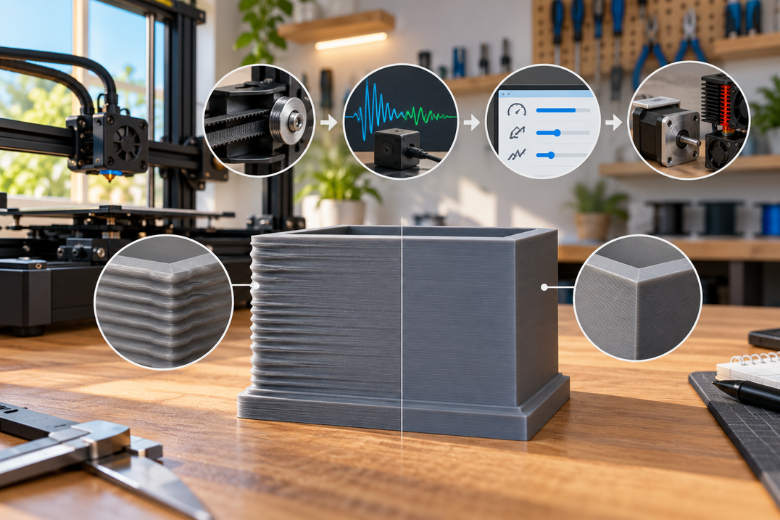
How to Avoid Ringing and Ghosting in Fast 3D Prints
Ringing and ghosting can leave unwanted ripples on fast 3D prints. This practical guide explains how to identify vibration problems, check belts and frame rigidity, calibrate input shaping, and optimise slicer settings. Follow a step-by-step troubleshooting process to achieve cleaner, smoother prints without unnecessarily sacrificing printing speed.
Read moreabout How to Avoid Ringing and Ghosting in Fast 3D Prints
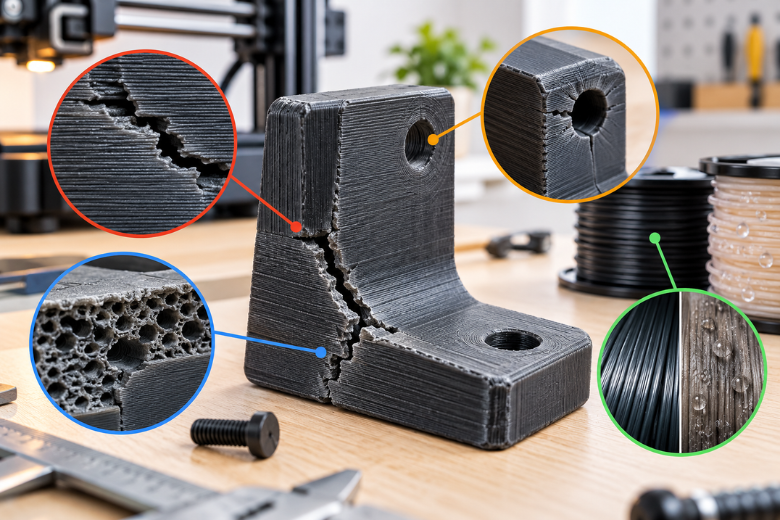
Why Your 3D Printed Parts Crack Under Pressure: A Step-by-Step Diagnosis and Fix Guide
Why do 3D printed parts crack under pressure? Discover four common causes, from weak layer adhesion and stress concentration to printing settings and wet filament. Learn practical ways to diagnose failures, improve print strength, and prevent future cracks.
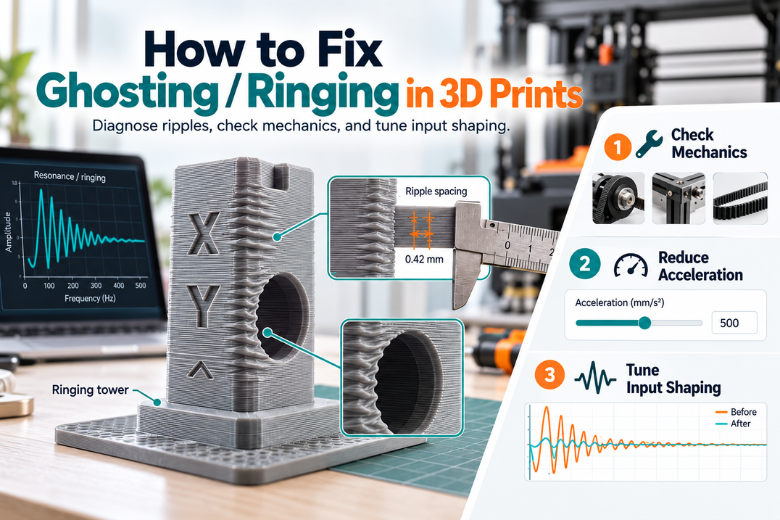
How to Fix 3D Print Ghosting and Ringing: A Step-by-Step Guide
Ghosting and ringing can leave visible ripples around corners and holes in your 3D prints. Learn how to identify these defects, check belts and pulleys, adjust acceleration, and tune input shaping in Klipper or Marlin. Follow this step-by-step troubleshooting guide to reduce vibrations and achieve smoother, cleaner 3D prints.
Read moreabout How to Fix 3D Print Ghosting and Ringing: A Step-by-Step Guide
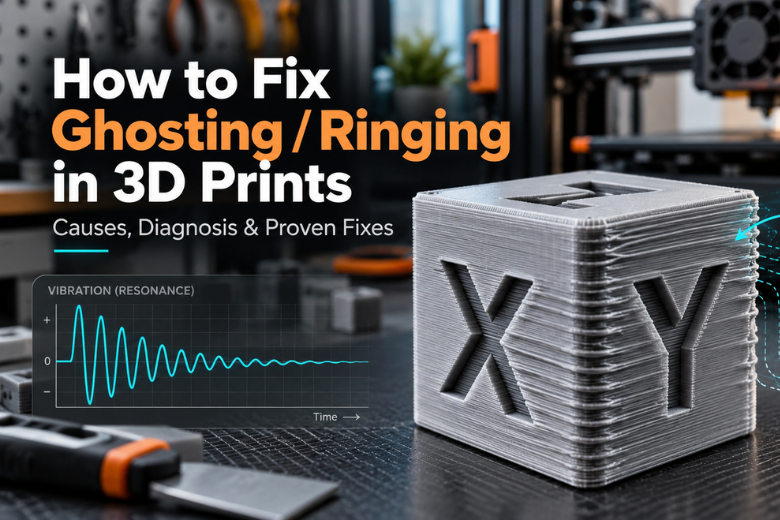
Why Your 3D Prints Have Ghosting or Ringing
Seeing ripples or echoes around corners and lettering on your 3D prints? Learn what causes ghosting (ringing), how to distinguish it from other print defects, and how to reduce it with mechanical checks, acceleration tuning, and input shaping in Klipper or Marlin.
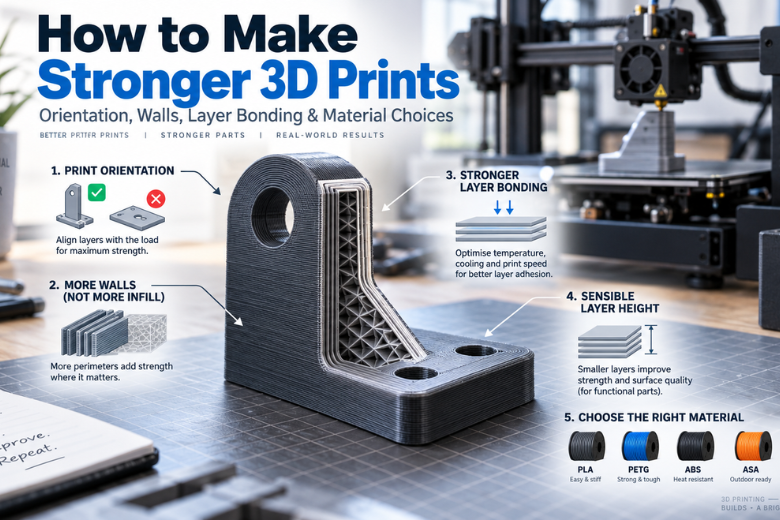
How to Make 3D Printed Parts Stronger
Learn how to make stronger FDM 3D prints by improving print orientation, layer bonding, wall count, layer height, and material choice. This guide explains why walls often matter more than infill, how temperature, cooling, and speed affect strength, and how to choose between PLA, PETG, ABS, and ASA for functional parts.

Best Settings for Strong Functional 3D Prints
Want stronger functional 3D prints without wasting time on 100% infill? This guide explains how wall thickness, infill pattern, print orientation, layer bonding, filament condition and calibration work together to improve strength. Learn a practical starting profile for brackets, jigs, enclosures and other functional parts.
Read moreabout Best Settings for Strong Functional 3D Prints