
Blog
Uneven First Layer: Why It Happens (and How to Fix It)
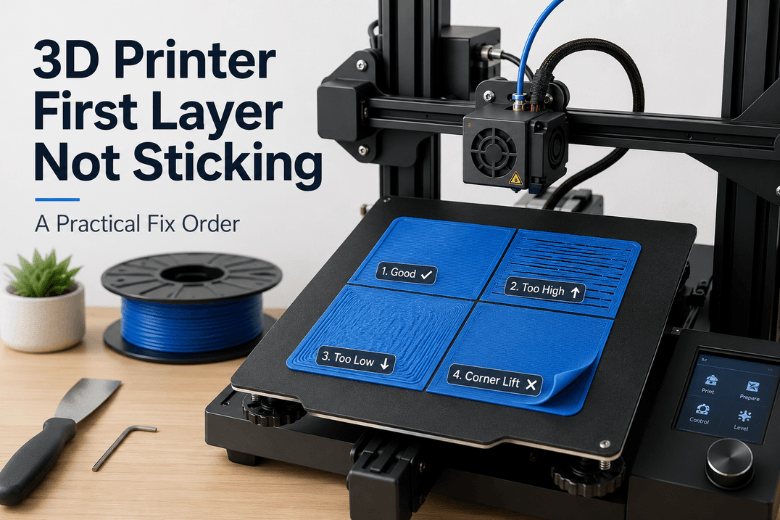
Learn how to fix an uneven 3D printer first layer on Klipper and CoreXY machines. This guide explains a repeatable troubleshooting workflow for makerspaces, covering build plate cleaning, gantry checks, probe repeatability, hot bed mesh calibration, mesh loading, Z offset, and slicer fine-tuning.
Read moreabout Uneven First Layer: Why It Happens (and How to Fix It)
How to Fix First Layer Adhesion Problems in 3D Printing
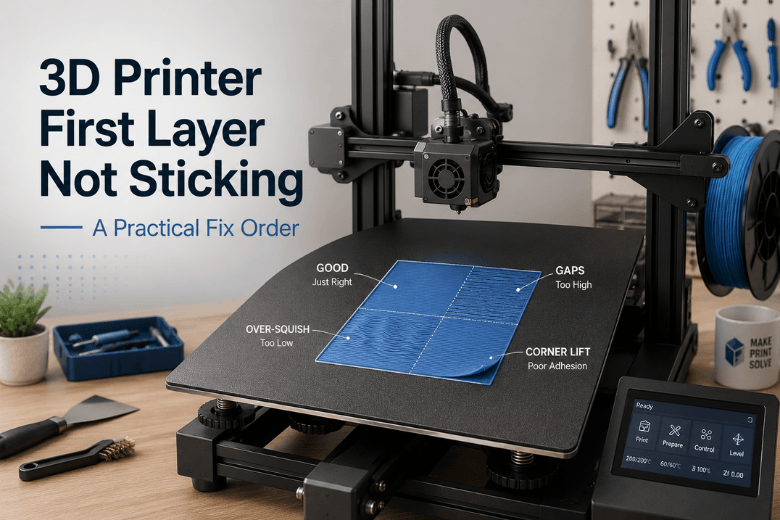
Learn a practical 10-minute workflow to fix 3D printer first-layer adhesion problems. This guide covers build plate cleaning, bed leveling, Z offset, first-layer temperature, speed, and when to use brims or glue for PLA and PETG prints.
Read moreabout How to Fix First Layer Adhesion Problems in 3D Printing
How to Troubleshoot Failed 3D Prints Step by Step
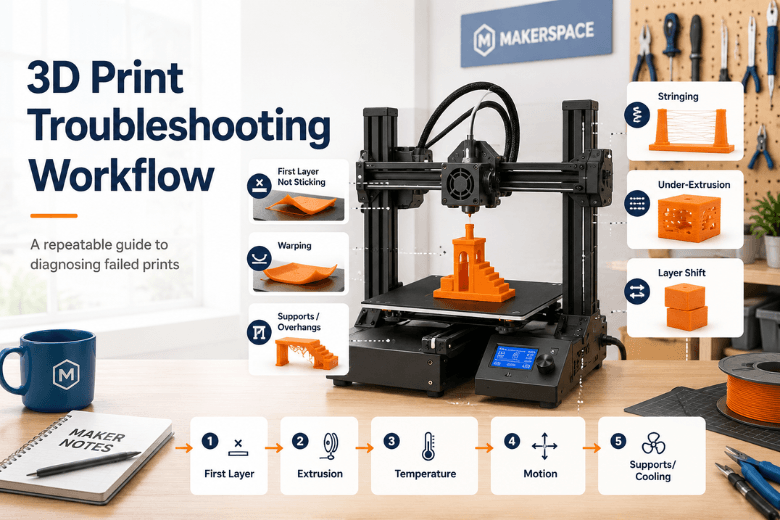
A repeatable 3D printing troubleshooting workflow for makerspaces, workshops, and shared FDM/FFF printers. This guide helps users quickly identify failed print symptoms, fix first-layer issues, diagnose extrusion problems, reduce stringing, warping, layer shifts, and support failures, while standardising the process with one test print and one change at a time.
Read moreabout How to Troubleshoot Failed 3D Prints Step by Step
Why Your 3D Print Looks Bad Even with the Right Settings
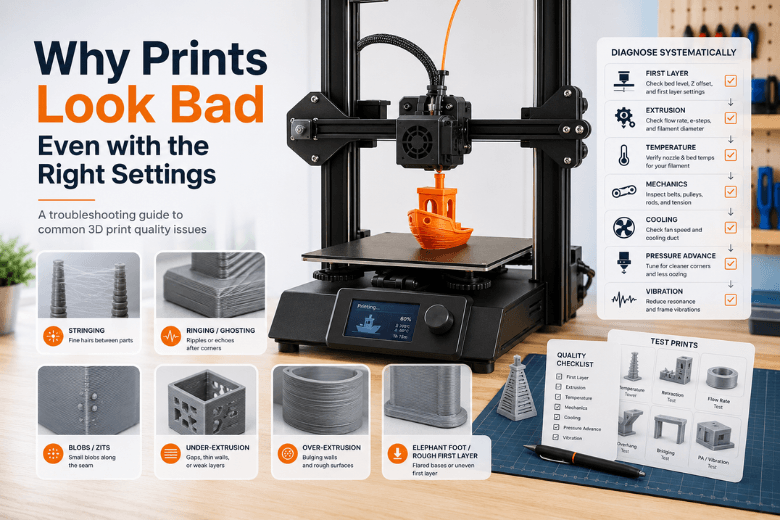
Even with the right slicer settings, 3D prints can still look bad due to filament condition, extrusion problems, first-layer issues, motion vibration, cooling, or missing calibration steps. This guide explains how to diagnose common print defects such as stringing, ringing, blobs, under-extrusion, over-extrusion, elephant foot, and poor surface quality using a reliable troubleshooting workflow.
Read moreabout Why Your 3D Print Looks Bad Even with the Right Settings
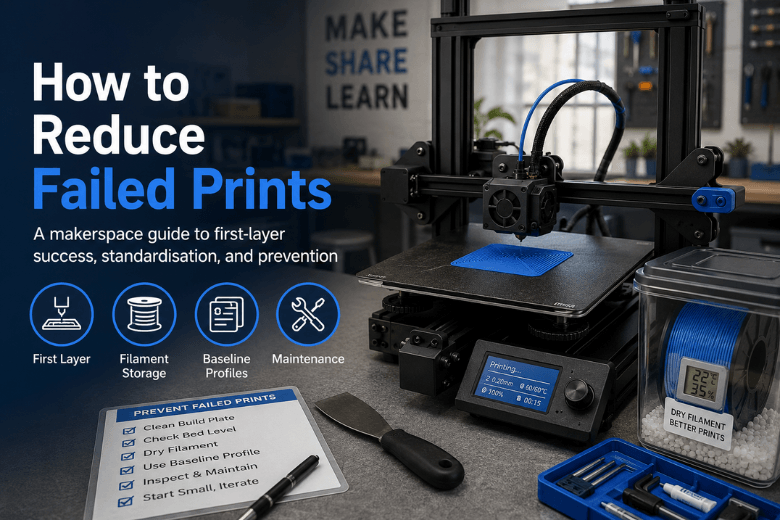
How to Reduce Failed Prints on FDM 3D Printers
Failed prints in makerspaces don’t just waste filament—they create printer queues, consume mentor time, and reduce user confidence. This guide explains how to reduce failed 3D prints by stabilising the first layer, standardising build surfaces, filament storage, slicer profiles, and maintenance routines. It also shows makerspace operators how to troubleshoot repeat failures with a clear one-change-at-a-time workflow before deciding which printer upgrades are truly worth investing in.
Read moreabout How to Reduce Failed Prints on FDM 3D Printers
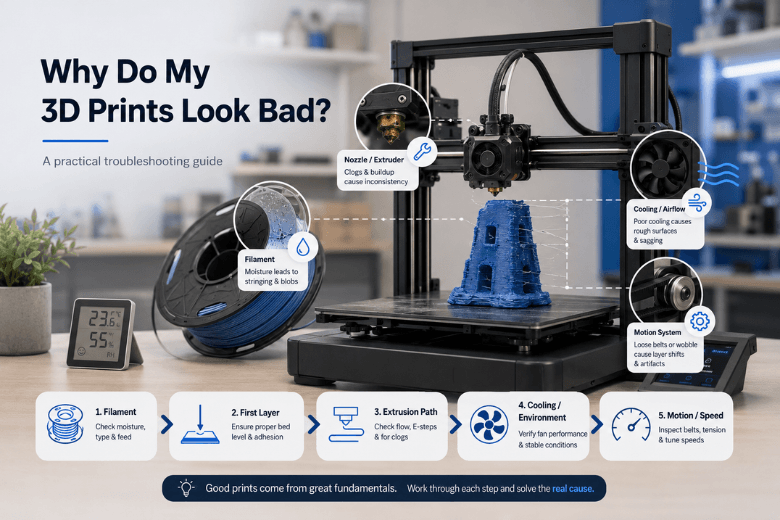
Why my 3D prints look bad even with the right settings
Even with a solid slicer profile, 3D prints can still fail due to real-world issues like wet filament, poor first-layer setup, partial nozzle clogs, weak cooling, loose belts, or excessive print speed. This guide walks makerspaces and 3D printing users through a practical diagnostic order—filament, first layer, extrusion path, cooling, and motion—to fix bad prints faster and build a repeatable troubleshooting workflow.
Read moreabout Why my 3D prints look bad even with the right settings
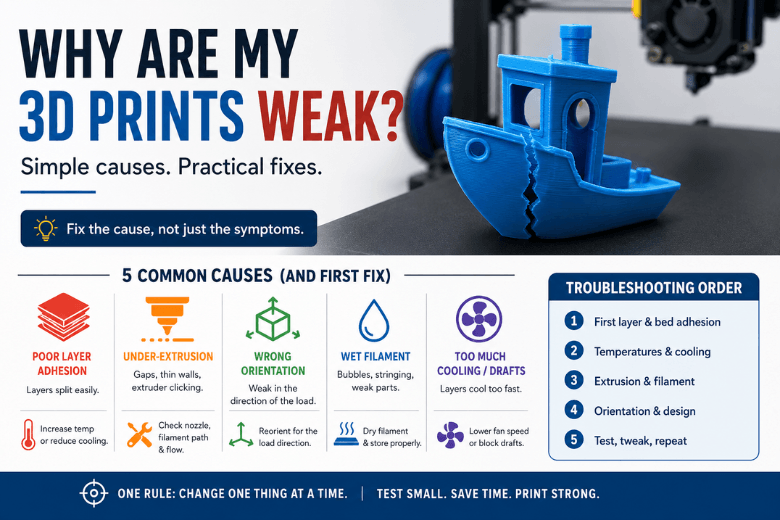
Why your 3D print is failing: common causes and fixes
A practical 3D printing troubleshooting guide for makerspaces, workshops, and beginners. Learn how to diagnose common FDM print failures, including first-layer problems, warping, stringing, under-extrusion, layer shifting, clogs, and wet filament. This guide provides a repeatable workflow to help users fix the root cause instead of randomly changing slicer settings.
Read moreabout Why your 3D print is failing: common causes and fixes
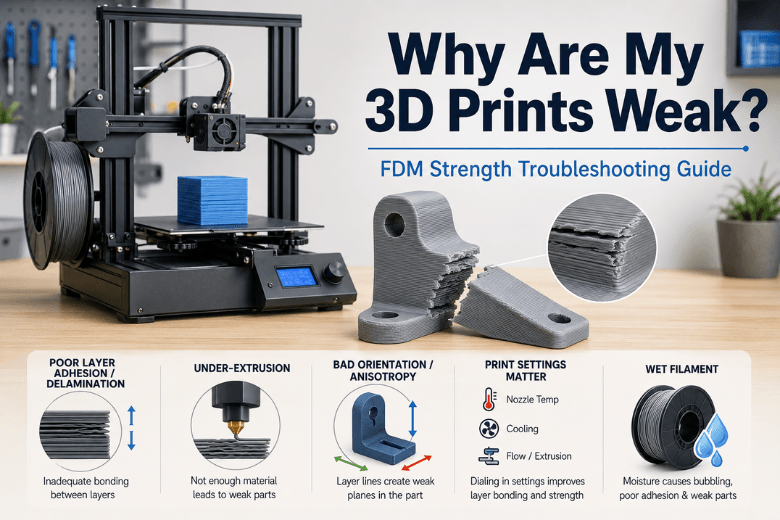
Why Are My 3D Prints Weak and Breaking Easily?
Learn why FDM 3D prints become weak, brittle, or split along layer lines. This guide explains the most common causes, including poor layer adhesion, under-extrusion, incorrect print orientation, wet filament, cooling issues, and print settings. It also provides a simple troubleshooting routine for makerspaces, beginners, and community 3D printing setups.
Read moreabout Why Are My 3D Prints Weak and Breaking Easily?
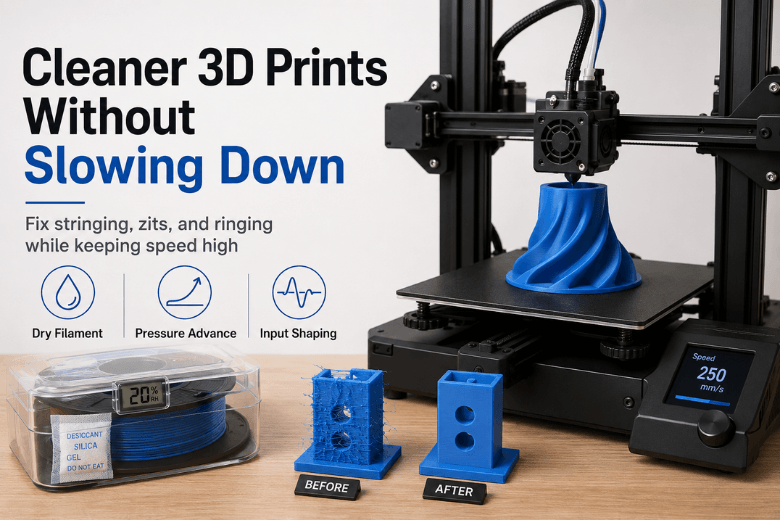
How to get cleaner 3D prints without slowing everything down
This guide explains how to achieve cleaner 3D prints without sacrificing speed. It focuses on time-neutral improvements such as drying filament, tuning temperature and flow, using pressure advance or linear advance, and enabling input shaping to reduce ringing and ghosting. The article also explains when to slow only visible areas like outer walls, overhangs, or tiny layers, helping makerspaces, school labs, and frequent users improve print quality while keeping throughput high.
Read moreabout How to get cleaner 3D prints without slowing everything down