
Blog
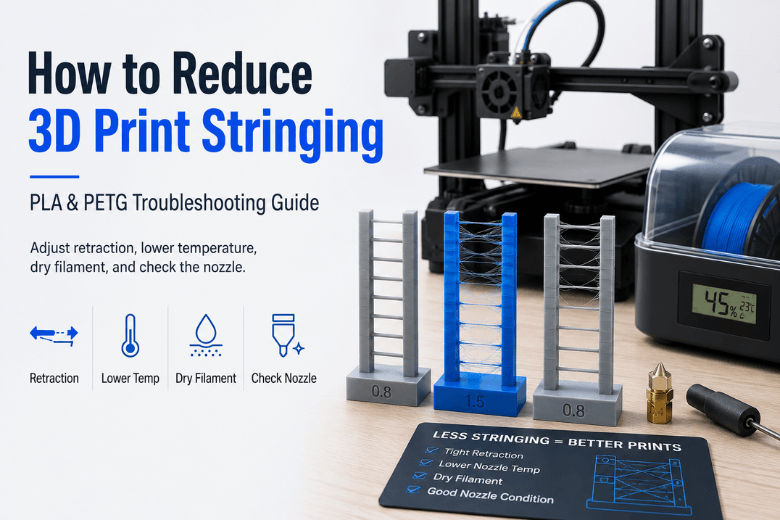
Why is my 3D print stringing? Causes and fixes (PLA + PETG)
3D print stringing is usually caused by molten filament oozing during travel moves, but the real fix is not always more retraction. This guide explains how to reduce PLA and PETG stringing in the right order: tune retraction, lower nozzle temperature, improve travel moves, check for wet filament, and inspect nozzle wear or partial clogs. It also covers which upgrades are actually worth buying, such as filament drying storage and wear-resistant nozzles.
Read moreabout Why is my 3D print stringing? Causes and fixes (PLA + PETG)
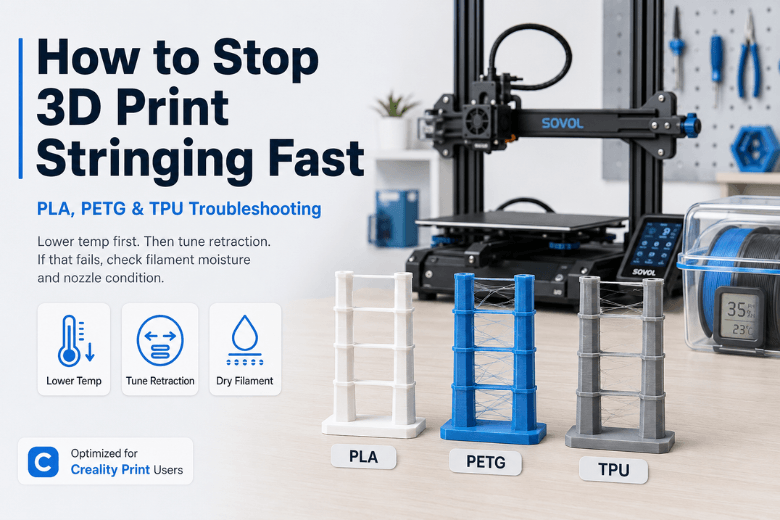
How to Stop Stringing in PLA, PETG and TPU Prints
Stringing happens when the nozzle travels between two points while filament continues to ooze, leaving fine cobweb-like strands behind. This guide gives a fast, repeatable troubleshooting workflow for PLA, PETG, and TPU users, especially in Creality Print. It explains how to reduce stringing by lowering nozzle temperature first, then tuning retraction distance and speed, optimising travel moves, checking for wet filament, and inspecting the nozzle or hotend for buildup or leaks.
Read moreabout How to Stop Stringing in PLA, PETG and TPU Prints
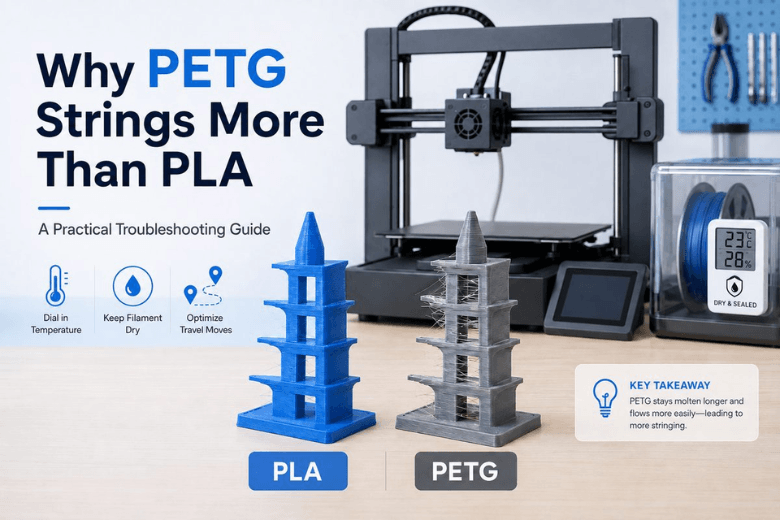
Why PETG Stringing Happens More Often Than PLA
PETG is more prone to stringing than PLA because it prints at higher temperatures, stays tacky for longer, and is more sensitive to moisture. This guide explains the main causes of PETG stringing and gives a practical troubleshooting order: dry the filament, lower nozzle temperature, optimise travel moves, tune retraction, and check the nozzle or hotend.
Read moreabout Why PETG Stringing Happens More Often Than PLA
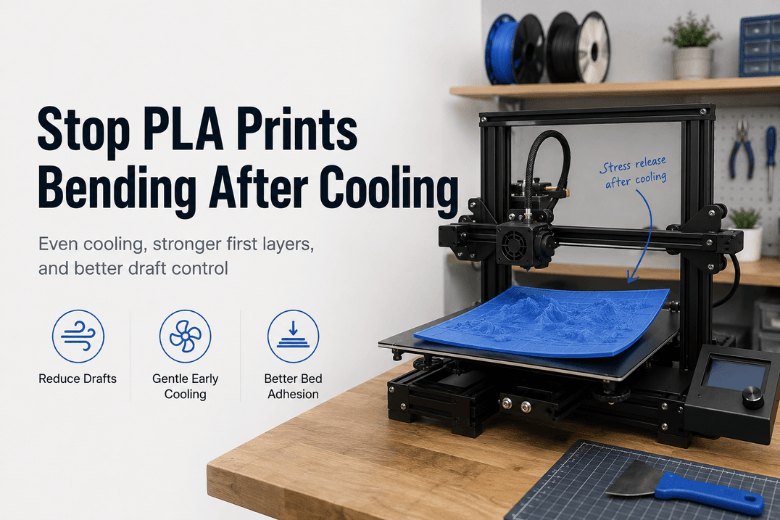
PLA warping after cooling: why prints bend (and what to change)
Read moreabout PLA warping after cooling: why prints bend (and what to change)
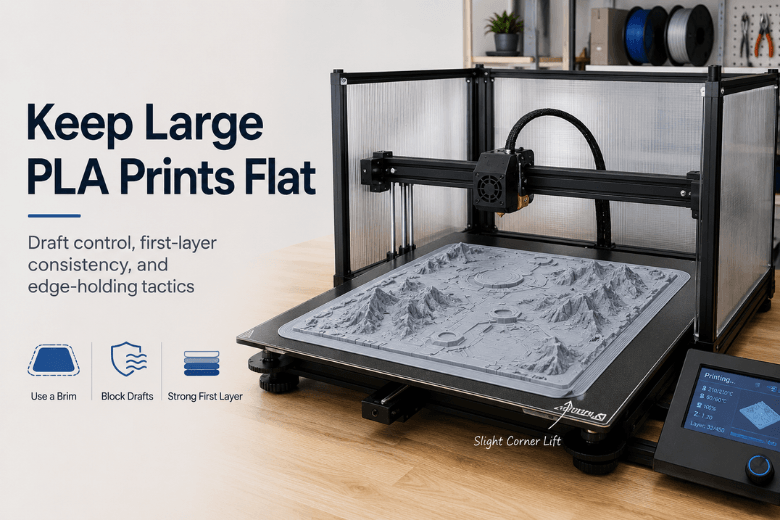
Best Ways to Keep Large 3D Prints Flat and Stable (PLA, Open-Frame Printers)
Read moreabout Best Ways to Keep Large 3D Prints Flat and Stable (PLA, Open-Frame Printers)
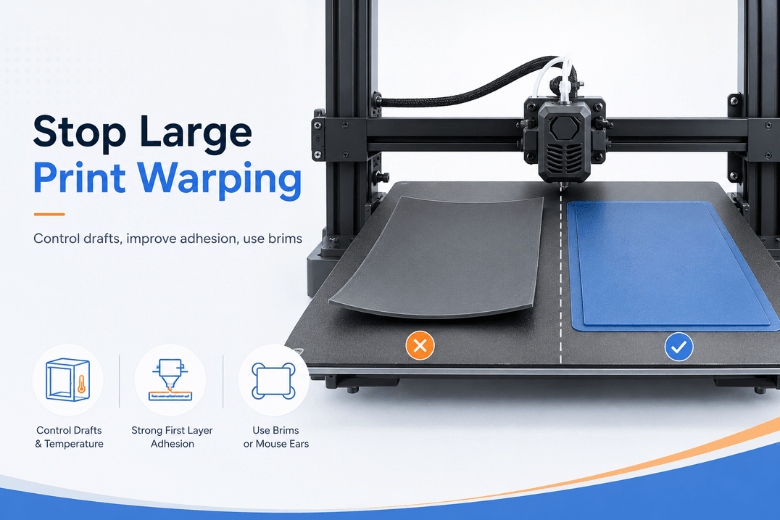
How to Stop Large 3D Prints from Warping
Large 3D prints are more likely to warp because bigger parts build up more shrink stress as they cool. This guide explains how UK makerspaces can reduce warping by controlling drafts, improving first-layer adhesion, using brims or mouse ears, adjusting cooling, and choosing the right approach for PLA, PETG, ABS, and ASA.
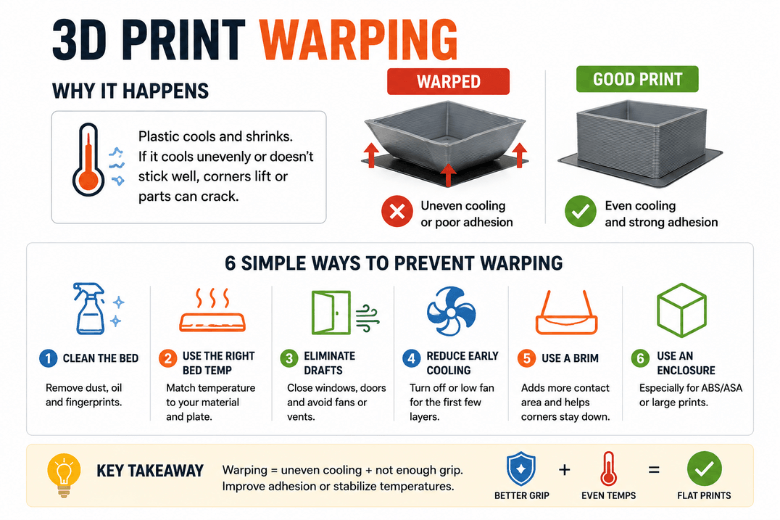
Why Do 3D Prints Warp and How Can You Stop It?
3D print warping occurs when uneven cooling and thermal contraction create shrink stress that overcomes bed adhesion. This guide explains why prints warp, how to diagnose common symptoms, and the most effective ways to prevent corner lift, edge curl, and cracking in PLA, PETG, ABS, and ASA prints.
Read moreabout Why Do 3D Prints Warp and How Can You Stop It?
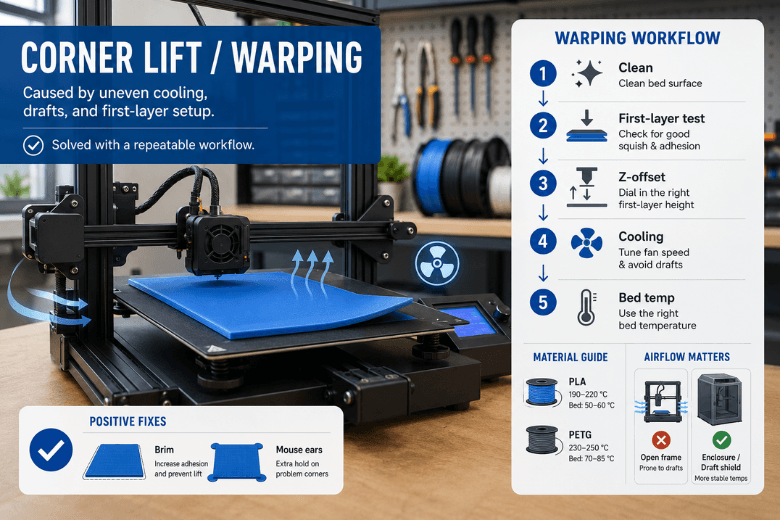
How to Stop Corners from Lifting on 3D Prints
A practical makerspace guide to fixing 3D print corner lift and warping on PLA and PETG prints. This article explains why corners lift, how uneven cooling and drafts affect adhesion, and how to troubleshoot with a repeatable workflow: clean the bed, test the first layer, adjust Z-offset, tune cooling, increase bed temperature carefully, and use brims or mouse ears when needed.
Read moreabout How to Stop Corners from Lifting on 3D Prints
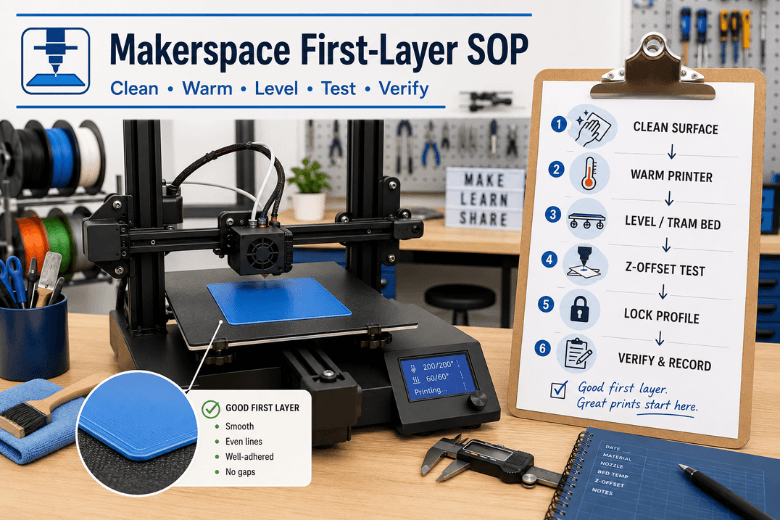
How to Get a Perfect First Layer on an FDM 3D Printer
A practical makerspace SOP for achieving a reliable first layer on FDM/FFF 3D printers. This guide explains how to standardise cleaning, warming, bed leveling, Z-offset testing, locked slicer profiles, and maintenance routines so different users can get consistent first-layer results without endless trial and error.
Read moreabout How to Get a Perfect First Layer on an FDM 3D Printer